Install Wasl
Run Setup, choose your language, review the terms and complete the graphical wizard. No command prompt required.
Free for a limited time — request activation in the app; administrator approval required.
Copy available iPhone photos, videos and files to your Windows desktop or any folder over USB with Wasl Transfer. Graphical setup and automatic activation after administrator approval.
Preview 0.18.12 · Windows 64-bit · Developed by Mustafa Al-Abbas
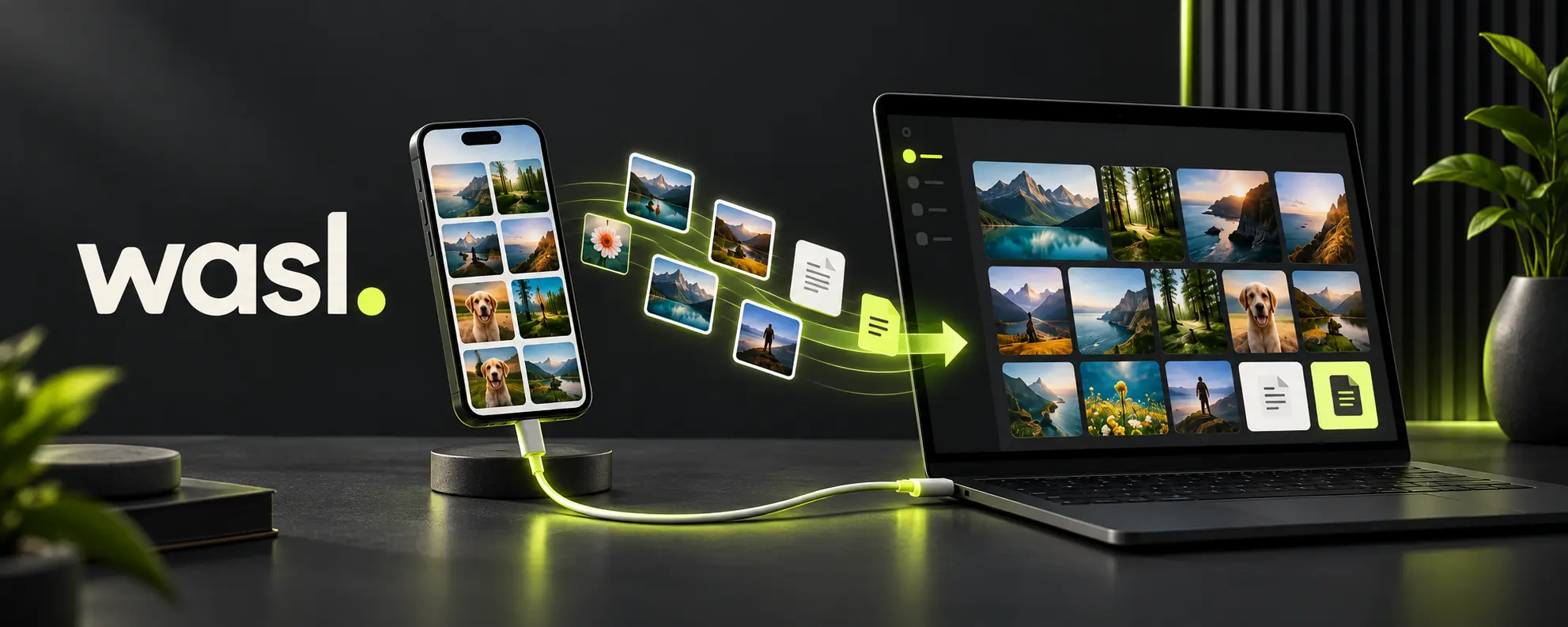
Run Setup, choose your language, review the terms and complete the graphical wizard. No command prompt required.
Connect your iPhone by USB, unlock it and trust the computer. On Android, choose File Transfer mode.
Browse photos, select your items and choose Desktop, Pictures or another drive. Originals remain on the phone.
Search, select, preview and export available photos and files, with saved device names and connection status.
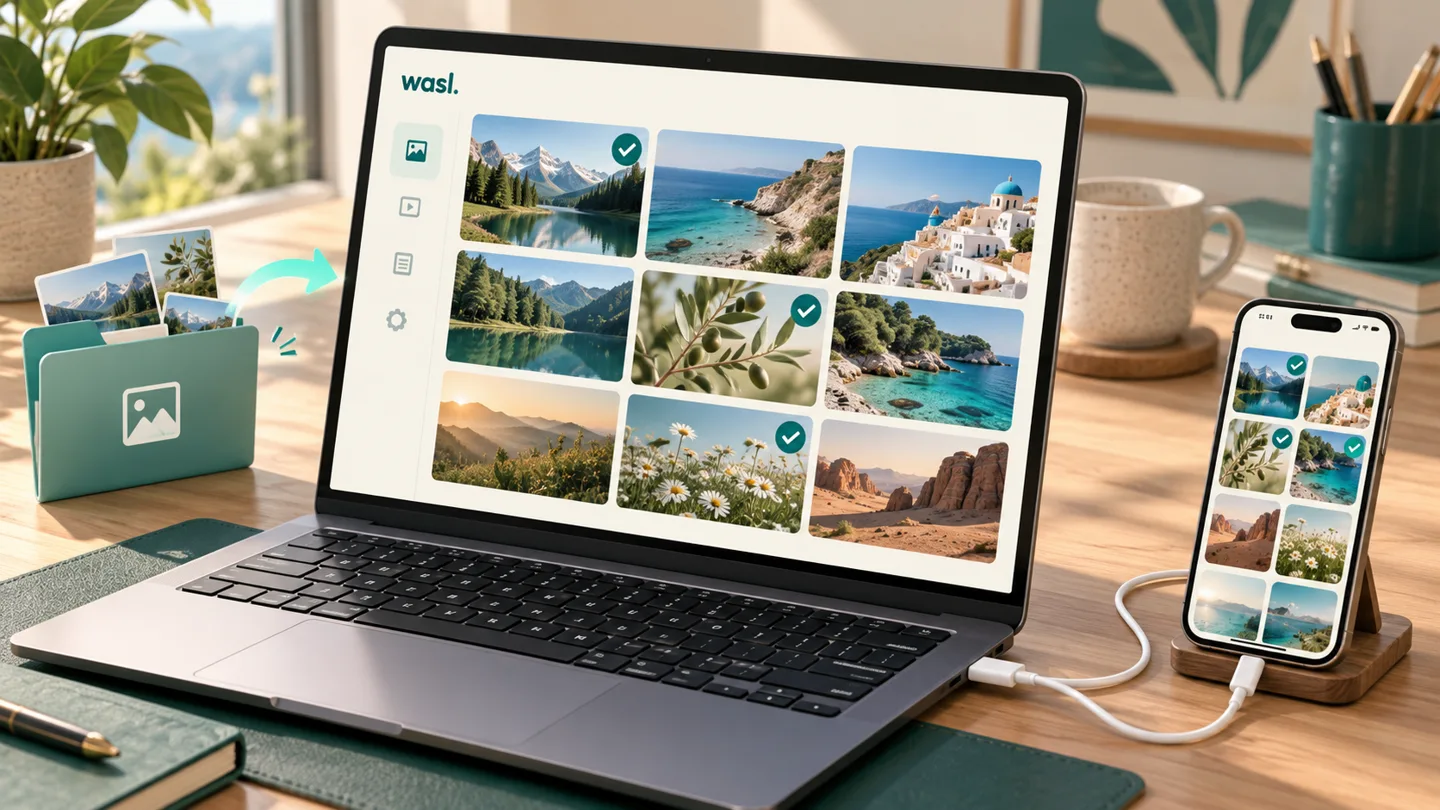
Apple devices may need Apple Mobile Device Support installed from an official Apple source. Some advanced tools require extra components. This release does not provide live iPhone screen mirroring.
Choose the duration and phone allowance, then request activation. The installer does not collect payment; selecting a plan alone does not activate the app.
Connect the iPhone by USB, unlock it and trust your computer. Open Photos in Wasl, select the items, then choose Desktop or another export folder.
It transfers data exposed by the phone and installed tools. Some application data needs a suitable backup; not every file is available over USB. iCloud-only photos must first be downloaded through Apple’s service.
No. Submit a request in the app and the administrator approves it in the dashboard. While running online, Wasl checks about every 15 seconds and activates automatically. If closed, it checks again at the next launch.
Version 0.15 and later checks signed release policies at launch and every five minutes. An affected version can be required to update or temporarily suspended when it receives the policy. The installer is verified before launch and your files are preserved.
0CE0D189128A81E97686A1AA960987E1B7948D28162A4147EAC22C206F482D8CClear tools to copy your phone files to your computer and choose where they are saved.
Refreshed interface, iCloud photo gallery and file list with built-in previews for supported formats, selection and export. Enable sync in iCloud for Windows. Sending to iPhone requires completing Apple Devices or iCloud sync.
التثبيت والتفعيل، ربط الهاتف، معاينة الصور والملفات، التصدير، iCloud وحل المشكلات.
افتح دليل الاستخدام المصوّر ↗